
Packaging Color Consistency: What to Approve Before a Repeat Order
A repeat order is easier to approve when the team can identify the accepted sample, the intended material and finish, and any changes that require another review.
Packaging color consistency on a repeat order depends on an identified reference, a confirmed material and finish, and a record of changes since the accepted run. Sending the previous artwork with “same as last time” leaves the printer to decide which physical result you mean.
For a brand buying printed cartons or wrapped rigid boxes, the useful question is whether the next run will be judged against the same reference under the same conditions. Settle that before material is purchased or a press date is booked.
Decide which accepted sample controls the reorder
Start with the last batch your team actually accepted. If several shipments looked different, identify the one that should be reproduced. A reference taken from a complaint batch creates an avoidable dispute.
Keep a protected physical sample with the artwork version, material description, finish and approval date. Identify the relevant panel or color area. A signed carton may approve the overall appearance while leaving a small logo color unresolved; the record should say so.
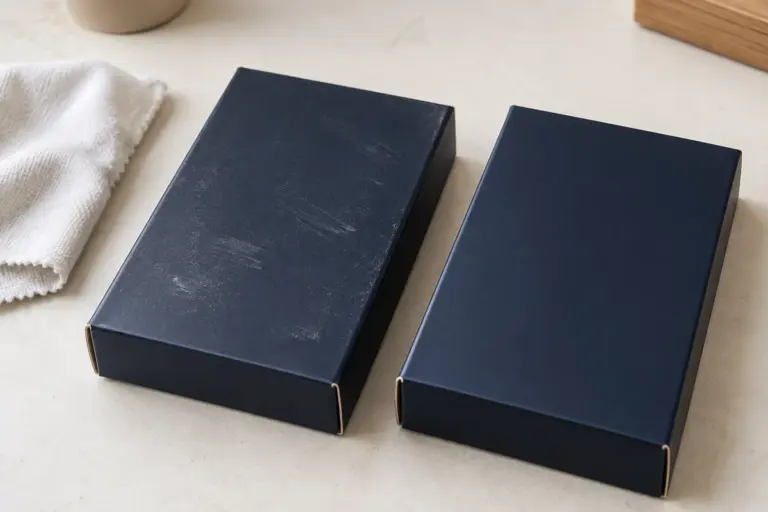
Check that the sample is still usable. A box displayed beside a window, rubbed during handling or covered in adhesive residue is a poor master. If the reference has deteriorated, agree on a replacement before using it to reject new production.
A photograph can help identify the sample and show where a difference appears. Use the physical reference or agreed color data to settle the comparison. A phone photograph introduces another camera, exposure and display into the decision.
Reconfirm the construction behind the color
Treat the material and finish as part of the approved appearance. Before a reorder, ask the supplier to confirm the board or wrapping paper, print process, ink specification, coating or film, and any white underprint used on the previous job.
Pantone explains that the same color can look different on coated and uncoated paper because the ink interacts differently with the surface. Record the complete reference, including the relevant guide or substrate designation, rather than sending only a color number. Pantone's explanation is useful when different teams are comparing different swatches.
Ask about substitutions explicitly. A replacement paper that meets a purchasing description may still need visual approval. The same applies when a finish changes, production moves to another site, or the supplier proposes a different printing route.
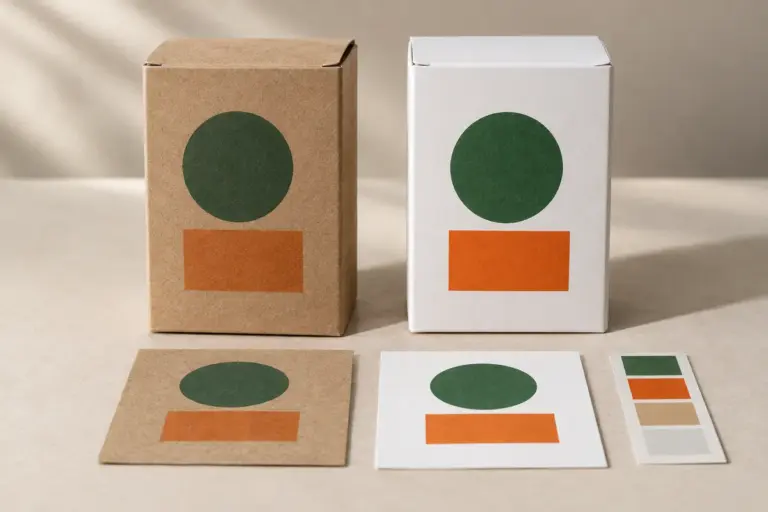
For the initial substrate decision, use our kraft versus white paperboard printing guide. A reorder review should focus on departures from the approved combination instead of reopening every design choice.
Match the approval method to the buying decision
There are three separate questions to answer:
- Is this the correct file? Check copy, artwork version, separations and panel layout.
- Is this the intended appearance? Compare the selected printed and finished reference.
- Does production remain within the agreed acceptance criteria? Use the inspection and measurement method written for the job.
A digital PDF can answer the first question. It cannot approve the feel or reflective behavior of the finished surface. A digitally printed sample may also differ from a later production process. Our sample approval guide explains how to assign an approval purpose to each sample stage.
Where color measurement is required, agree on the instrument method, target data, backing, measurement locations and acceptance criteria before the run. A difference value without its method and reference is difficult to interpret. Do not insert a generic tolerance into the purchase order merely because another brand uses it.
X-Rite's packaging color workflow guidance describes the importance of sharing achievable targets for the selected substrate across design and production teams. A buyer still needs to agree which method the supplier will use for this particular job.
Use a short reorder confirmation record
The following record keeps the approval attached to a product and revision. Complete it with the supplier before authorizing the next batch.
| Item | Reference from the accepted run | Confirmation needed for the reorder |
|---|---|---|
| Product identity | Box style, size, SKU and previous order | Quantity and current artwork version |
| Physical reference | Sample ID, date and protected storage location | Reference remains usable and available to both teams |
| Substrate | Board or wrap identification and surface | Same specification, or a substitution for approval |
| Process, named colors and artwork file | Process or separation changes | |
| Finish | Coating, lamination and special effects | Finish specification and operation sequence |
| Review conditions | Viewing arrangement and any measurement method | Same comparison method for the new run |
| Acceptance | Approved appearance, limits and recorded exceptions | Named reviewer and release stage |
| Retention | Samples kept from the accepted batch | New-batch sample IDs and storage responsibility |
This is a working record, not a claim that every reorder needs a full new sampling program. If nothing relevant has changed, the supplier may be able to use the existing approved reference with a documented production check. If a material or process has changed, decide what needs another approval.
Review related packaging together
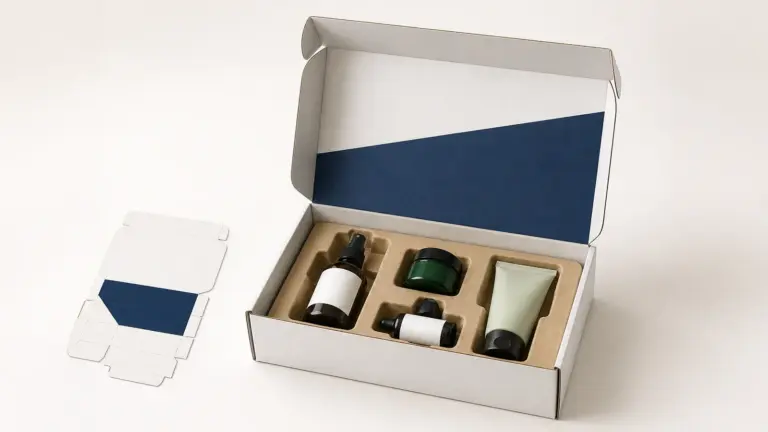
A skincare brand may use a folding carton for individual products, a rigid box for a gift set and a paper bag at retail. Those surfaces do not necessarily reproduce a color identically. Decide which differences matter when the items are seen together.
Give the supplier the related physical packaging, identify the priority match, and explain the viewing situation. For example, a carton and gift box displayed side by side create a different comparison from an outer shipper opened in a warehouse.
Create separate acceptance references where the materials or finishes require them. Trying to enforce one screen swatch across every construction can obscure what the buyer has actually approved. For an existing folding-carton program, keep the carton reference identifiable even when a new gift set is added.
Describe a mismatch so it can be investigated
If the new batch looks wrong, keep samples and record the issue before deciding on a remedy. Useful information includes:
- the SKU, batch and carton or shipment identification;
- which approved reference was used;
- the affected panel and whether the whole area or one color differs;
- whether the difference appears across all checked units or only some;
- the viewing conditions and any available measurement records;
- whether the print, coating, foil or wrapping paper is the disputed feature.
For example, “the green logo panel looks darker than reference R-02 under our agreed review lighting” gives the supplier a specific comparison. “The color is bad” does not identify what should be examined. The reference label in this example is illustrative, not a real project record.
If an exception is accepted for a shipment, record whether it applies only to that batch. Otherwise, the next reorder can accidentally inherit a result that was never intended to become the new master.
Prepare the next reorder brief
Bring the previous order reference, current artwork, protected approved sample, quantity and required delivery date together. List any change in size, board, wrap, coating, finish, supplier location or product assortment. Identify who can approve a departure and when that decision is needed.
If you are moving an existing design to PackagingFor or developing a related box, share the physical reference where available and explain which features need to match. Start with the relevant packaging structure, then request a project quotation with the quantity and destination. The material, print route and approval method can then be reviewed against the actual requirement.
Featured image: AI-generated editorial illustration, not a customer project, approved sample or production-test result.